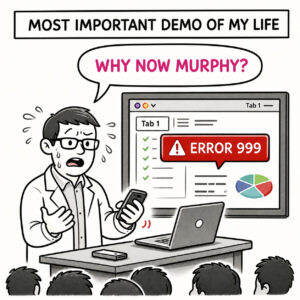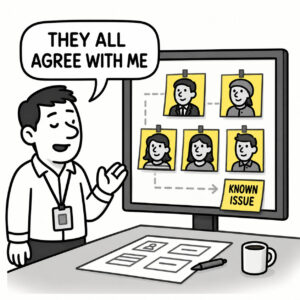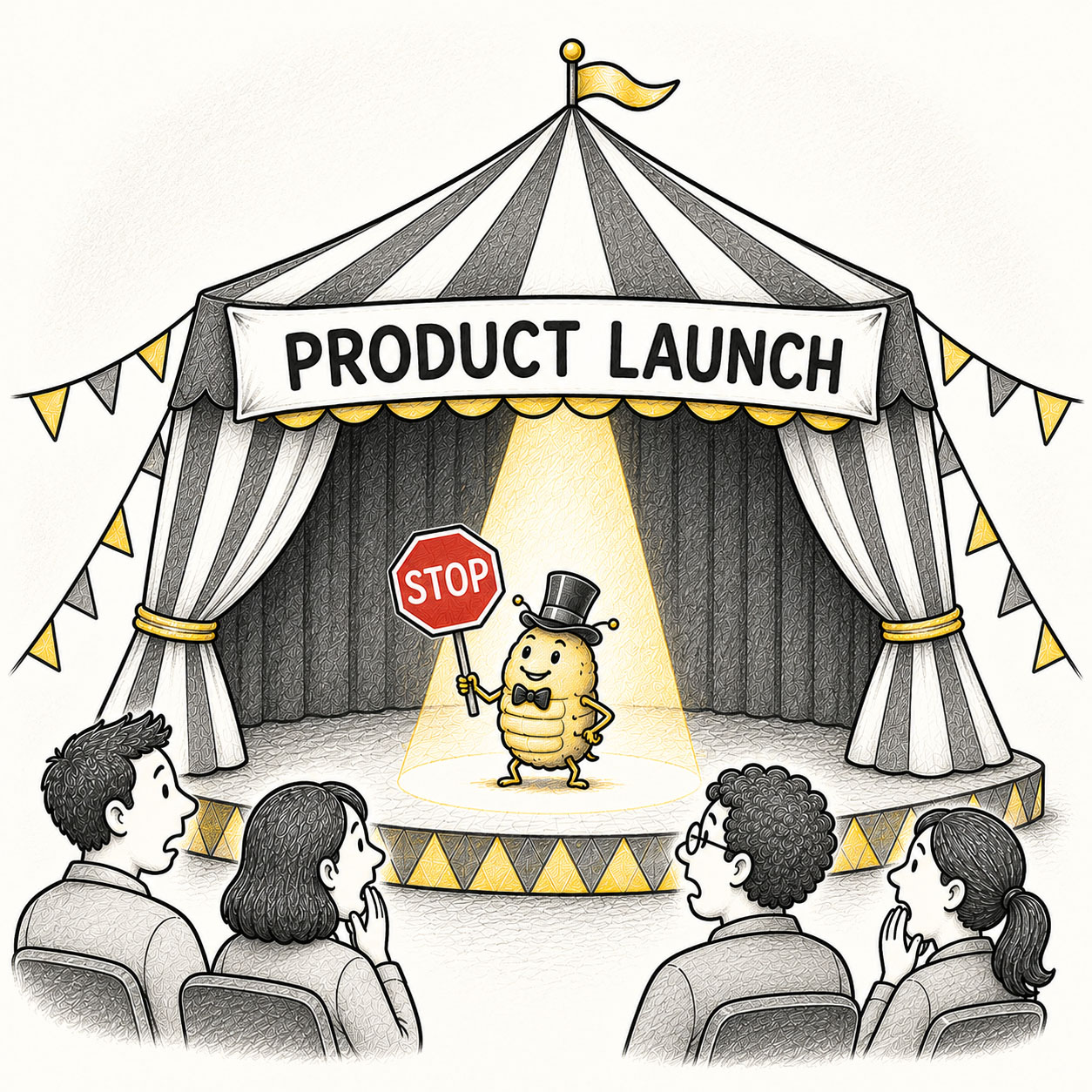
A Showstopper is a critical, unforeseen issue or flaw that halts everything. These high-priority defects, such as system crashes or broken core functionality, typically prevent the product from being released, tested, or operated until they are resolved. Showstoppers often result in significant delays and increased cost.
In design, a showstopper is sometimes used to describe the opposite: a highly impressive “wow” feature.
ORIGIN
The noun “showstopper” originated in the 1910s, with the earliest known usage recorded in 1916 in the Fort Wayne Journal-Gazette (Indiana). The term historically describes a theatrical performance – usually a song or act – so impressive that it receives prolonged applause, forcing a temporary halt to the show. It was commonly used in theater to describe acts that “brought the house down”.
Software engineering eventually gave the word a darker second career – with considerably less applause: A critical defect that caused a system – or its release – to grind to a halt. The metaphor still worked perfectly. Something happened. Everything stopped.
Today, the word is commonly used as a synonym for “deal-breaker” in government and business. The negative meaning is now so pervasive that using it in the original meaning may regard you as ignorant.
WHEN
You’ve encountered a Showstopper when:
- Everything is ready except one thing
Unfortunately, that one thing is the reason the product exists.
- A critical journey cannot be completed
Users can browse beautifully. They just can’t buy anything.
- The product technically works but practically doesn’t
The feature loads, looks excellent, and provides absolutely no path forward.
- An edge case becomes a release blocker
Yesterday it affected “probably nobody.” Today that nobody is your largest customer.
- A dependency fails at exactly the wrong moment
The product is ready. The service it depends on has other plans.
- Someone says: “We can’t ship this.”
Not shouldn’t. Can’t.
- Everything else suddenly stops mattering
Nobody is discussing the slightly inconsistent icon anymore.
WHY
Showstoppers aren’t usually dramatic. They’re often small things in very important places such as a single broken step in a critical flow, a missing piece in a dependency chain, or an edge case that turns out not to be an edge.
They emerge because:
- Critical paths carry disproportionate risk
Login, checkout, saving, submitting, authentication, and core workflows may represent only a fraction of the interface but determine whether the product is useful.
- Dependencies concentrate failure
A single service, API, permission, component, or decision can sit underneath several apparently unrelated experiences.
- Edge cases aren’t always edges
The rare configuration discovered during testing has an unfortunate tendency to belong to a very important customer.
- Production behaves differently
Real devices, real data, real networks, real permissions, and real users create conditions prototypes politely avoided.
- Late discoveries are expensive
A critical problem found during exploration is inconvenient. The same problem found twelve minutes before launch has considerably better branding.
HOW
Showstoppers can’t be eliminated entirely but they can be anticipated and their impact reduced. Avoid them by applying the following strategies:
- Identify critical paths early
Determine which journeys absolutely must work for the product to deliver its core value.
- Test the important things first
If users can’t sign in, complete the primary task, save their work, or pay, polishing secondary interactions won’t rescue the experience.
- Test under real conditions
Use realistic devices, browsers, data volumes, permissions, network conditions, and user behavior. The prototype is a very supportive environment.
- Look for single points of failure
Ask what one component, dependency, service, or decision could bring the entire experience down.
- Surface risk early
Uncertainty becomes more expensive the longer it remains undiscovered. Test risky assumptions before polishing safe ones.
- Design for recovery
Failures happen. Provide retries, fallbacks, autosave, useful error states, and ways to continue when possible.
- Prioritize by consequence
Not every defect deserves emergency status. A misaligned icon and a broken checkout should not compete in the same weight class.
PRO TIP
You’ve encountered a showstopper if you hear someone (yourself) saying: “It worked on my box”. Always test your app on multiple devices and screen resolutions.
EXAMPLES
- Users can browse an online store but cannot complete checkout.
- A login issue prevents a significant group of users from accessing the product at all.
- A mobile layout breaks the primary workflow on a widely used device or screen size.
- A security vulnerability is discovered that makes the planned release unsafe to ship.
- A critical API dependency fails and leaves the product without its core functionality.
- A form appears to submit successfully but silently loses the user’s data.
- A permission issue prevents administrators from completing a required setup process.
- A prototype performs beautifully until real production data causes the primary experience to fail.
CONCLUSION
In theater, a showstopper is an outstanding performance or moment everyone remembers. In product development, it’s the moment everything pauses for all the wrong reasons.
A Showstopper doesn’t compete for attention, it takes over. It halts progress, delays release, and forces a decision: fix it, or abandon. Good teams identify critical paths, test risky dependencies early, prepare for failure, and reserve their highest urgency for problems that genuinely deserve it.
The lesson is simple: Not every problem deserves urgency. But some problems deserve all of it.