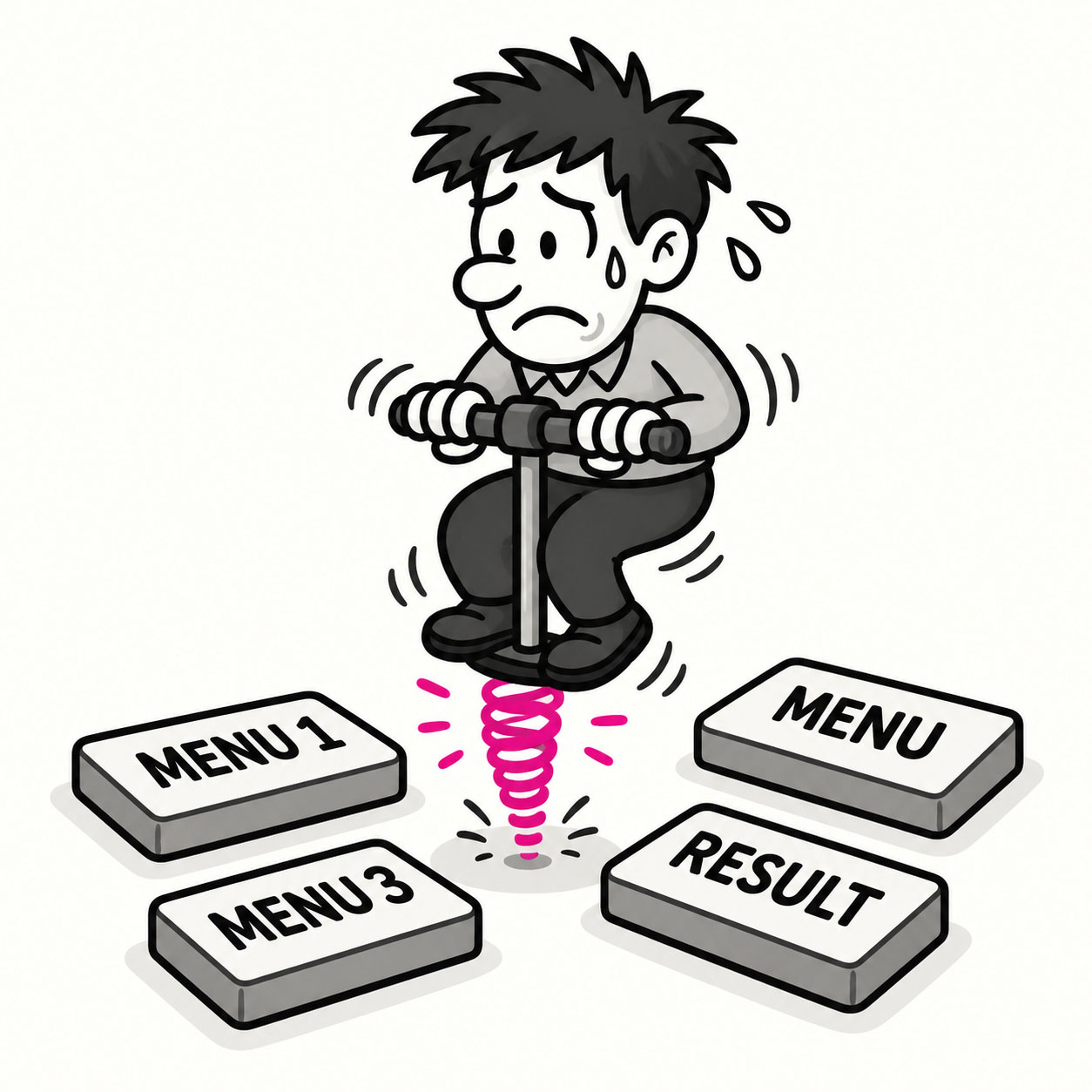
Pogo sticking describes the frustrating user behavior of repeatedly jumping back and forth between a main page and individual items in a list, like bouncing up and down on a pogo stick, because they can’t find what they need or navigate efficiently. It’s a sign of poor information scent, weak previews, or a lack of helpful context.
ORIGIN
The term comes from search engine optimization (SEO) and user behavior analytics, where it refers to visitors clicking into a result, realizing it’s not what they wanted, and bouncing back to the search results, then repeating this cycle.
In UX, the concept applies more broadly to any interface where users are forced to bounce back and forth unnecessarily to complete a task.
WHEN
You’ll see pogo sticking when:
- A user opens a product listing, finds no useful details, and returns to the results to try the next one.
- A knowledge base forces users to check multiple articles individually because summaries are vague.
- A dashboard shows only high-level metrics, requiring repeated drilldowns and back navigation to piece things together.
- Search results lack context, forcing users to guess which link is correct.
It’s especially common in search, list-detail patterns, and content-heavy products.
WHY
Pogo sticking happens when:
- List or preview items don’t provide enough information to help users choose the right option.
- Navigation makes it hard to explore and compare without constant backtracking.
- Content doesn’t match user expectations set by the labels or links.
- Designers don’t test the experience of finding and choosing, not just viewing.
The result is wasted time, frustration, and higher drop-off rates.
HOW
Here’s how to reduce pogo sticking:
- Improve previews. Add meaningful summaries, thumbnails, or metadata to help users decide.
- Design comparisons. Allow users to view or compare multiple items side-by-side.
- Strengthen information scent. Make sure labels, headings, and summaries clearly match the destination content.
- Use smart navigation. Include breadcrumbs, tabs, or modals so users can explore without losing context.
- Test workflows. Observe how real users explore your lists and adapt based on their behavior.
PRO TIP
If you have analytics, look for high bounce rates between list and detail pages, that’s usually pogo sticking in disguise.
EXAMPLES
- An online shop where users keep clicking into products and immediately backing out because details don’t match the title.
- A university course catalog that forces students to open and close dozens of listings just to compare prerequisites.
- A support site where vague article titles leave users guessing which one answers their question.
CONCLUSION
Pogo sticking reminds us that good UX isn’t about getting users into a page, it’s about helping them find the right page the first time. Clear signals and thoughtful navigation save them from bouncing around endlessly.
Also known as: Bounce-back behavior • Back-and-forth navigation • Content thrashing