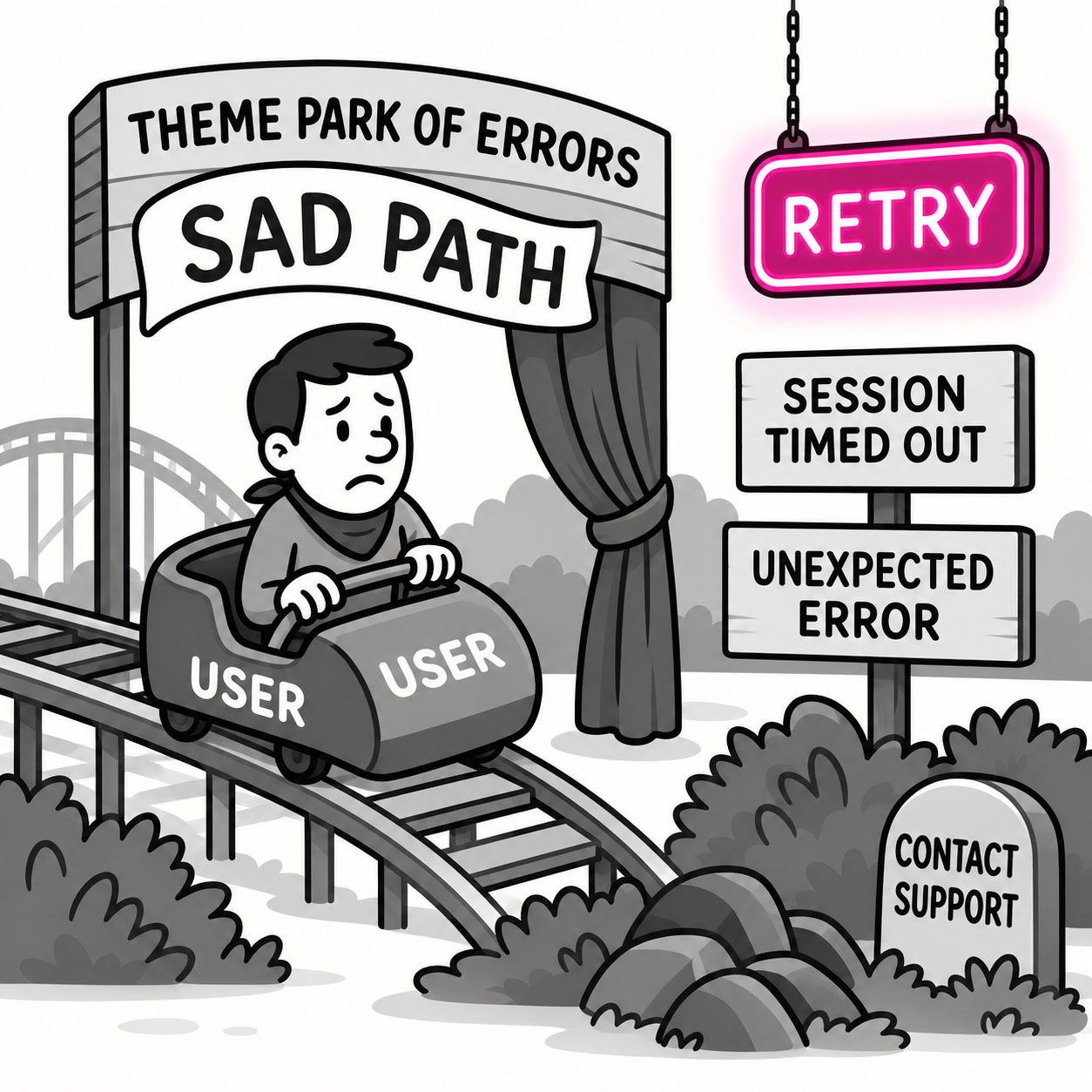
A sad path is the scenario where something goes wrong in a user’s journey, whether it’s an error, invalid input, unexpected behavior, or a dead end. In UX, designing for the sad path means accounting for mistakes, edge cases, and failures gracefully, so users can recover without frustration.
ORIGIN
The term comes from software development, where engineers describe the happy path as the ideal, expected flow through a system, and the sad path as what happens when things don’t go as planned.
In design, it reminds us that real users make mistakes, systems fail, and nothing ever goes 100% perfectly, so it’s our job to prepare for that.
WHEN
You encounter sad paths in UX when:
- A user forgets their password.
- A form submission fails due to a server error.
- Someone enters invalid data (like letters in a credit card field).
- A page loads empty because no results are found.
- The network connection drops in the middle of a checkout.
It’s everywhere users and technology intersect because imperfection is inevitable.
WHY
Sad paths are crucial to design for because:
- Users feel more frustrated when errors aren’t handled well than when they occur in the first place.
- Most journeys encounter setbacks and ignoring them results in missed opportunities.
- How you recover from failure defines the overall experience just as much as the happy path does.
Ignoring sad paths is one of the most common mistakes in UX, often because they’re less glamorous than designing the ideal flow.
HOW
Here’s how to design better sad paths:
- Anticipate errors. Identify common failure points and edge cases during planning.
- Write helpful messages. Avoid generic errors, tell users what went wrong and how to fix it.
- Offer recovery options. Provide a clear way to retry, undo, or get help.
- Test bad inputs. Don’t just test your happy path, break it on purpose, and see what happens.
- Stay empathetic. Remember: users already feel frustrated when they hit a sad path, don’t make it worse.
PRO TIP
Even a little personality or reassurance can turn a sad path into a positive memory. Error messages like “Oops! Let’s try that again” feel much better than “Error: 422.”
EXAMPLES
- A 404 page that gives users links back to popular content instead of a dead end.
- A form error message that highlights the exact field and suggests valid input.
- An app that automatically saves progress so users can resume after a crash.
CONCLUSION
Sad paths remind us: perfection is rare, and your product’s true character shows when things break. Design your sad paths as thoughtfully as your happy ones, and your users will thank you for it.
Also known as: Error states • Failure flows • Edge cases