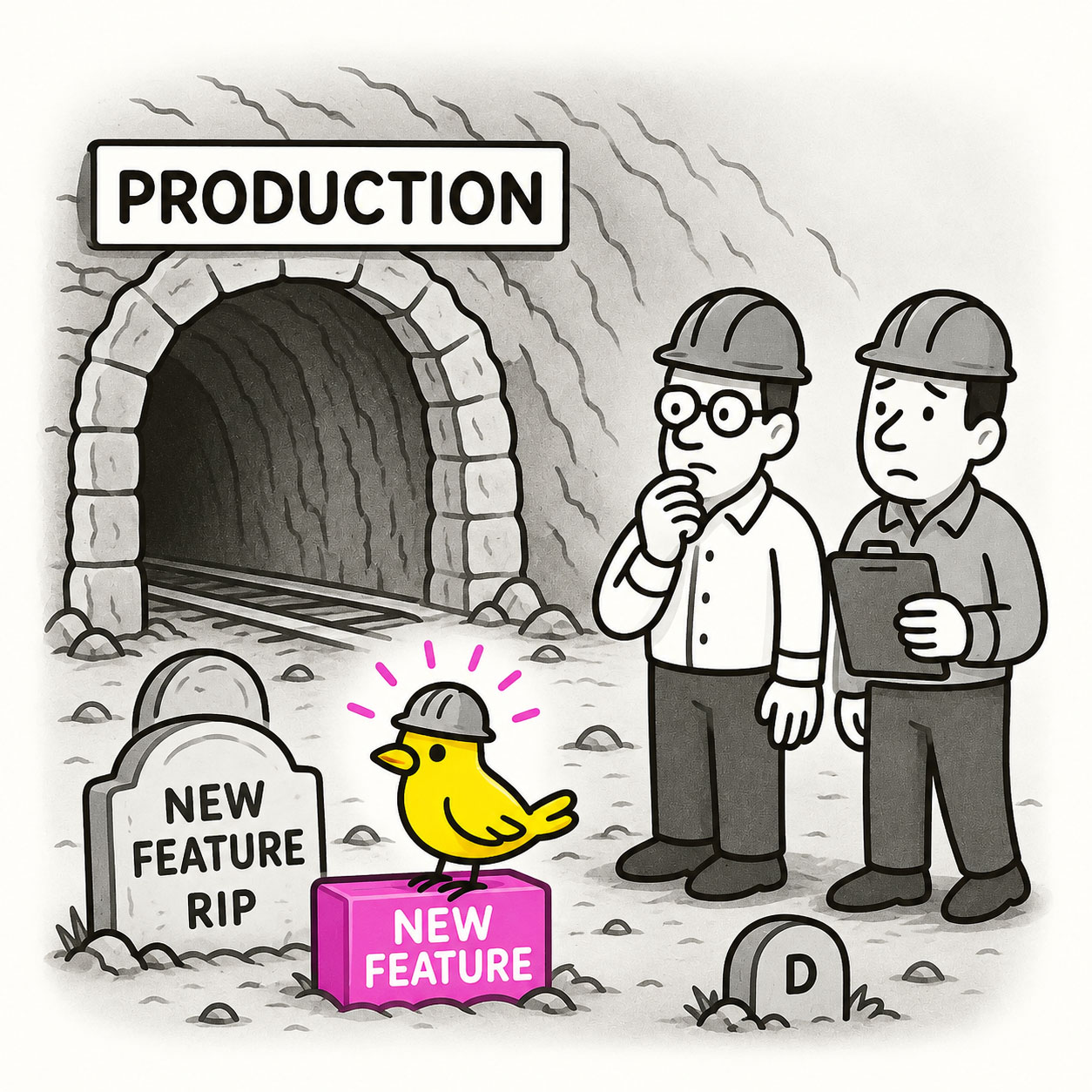
A canary release is a deployment strategy where you roll out a new feature or version to a small subset of users first, like sending a canary into a coal mine, before releasing it to everyone. It’s a way to catch problems early and minimize risk while gathering real-world feedback.
ORIGIN
The term comes from an old mining practice: coal miners would bring caged canaries underground because the birds were more sensitive to toxic gases. If the canary fell ill, it warned miners to evacuate before it was too late.
In software and UX, a canary release serves the same purpose: watch for trouble with a small group before exposing all users to potential bugs, performance issues, or unintended consequences.
WHEN
You’ll use a canary release when:
- Launching a major redesign or feature with high uncertainty.
- Changing backend systems or performance-critical flows.
- Deploying to a global audience across diverse devices or geographies.
- You want to collect early metrics and feedback before full rollout.
It’s particularly valuable in high-stakes, high-traffic environments where “rolling back” would be painful or slow.
WHY
Canary releases work because they let you:
- Detect and fix critical issues before they hurt everyone.
- Test hypotheses in the real world, not just in staging.
- Reduce risk while keeping velocity high.
- Build confidence in your deployment pipeline.
HOW
Here’s how to plan a successful canary release:
- Define your cohort. Decide how to segment your canary users (by geography, account type, random percentage, etc.).
- Set success criteria. Define what metrics or signals will tell you it’s safe to proceed, or to roll back.
- Monitor closely. Watch error rates, performance, and user behavior in real time.
- Communicate internally. Make sure everyone knows it’s a canary and who’s included.
- Roll forward carefully. Once it’s stable, gradually expand to the full audience.
PRO TIP
Don’t forget qualitative feedback, watch support tickets and user comments in your canary group for hidden issues analytics might miss.
EXAMPLES
- A streaming service redesigns its player UI and tests it first with 5% of US accounts.
- An e-commerce platform upgrades its checkout flow for Canadian customers before global launch.
- A SaaS app introduces a dark mode to just premium users for the first month.
CONCLUSION
Canary releases remind us that the riskiest way to launch is all at once. Take care of your users, and your team, by sending a canary first.
Also known as: Dark launch (similar, but usually without visibility to users) • Phased rollout • Controlled release