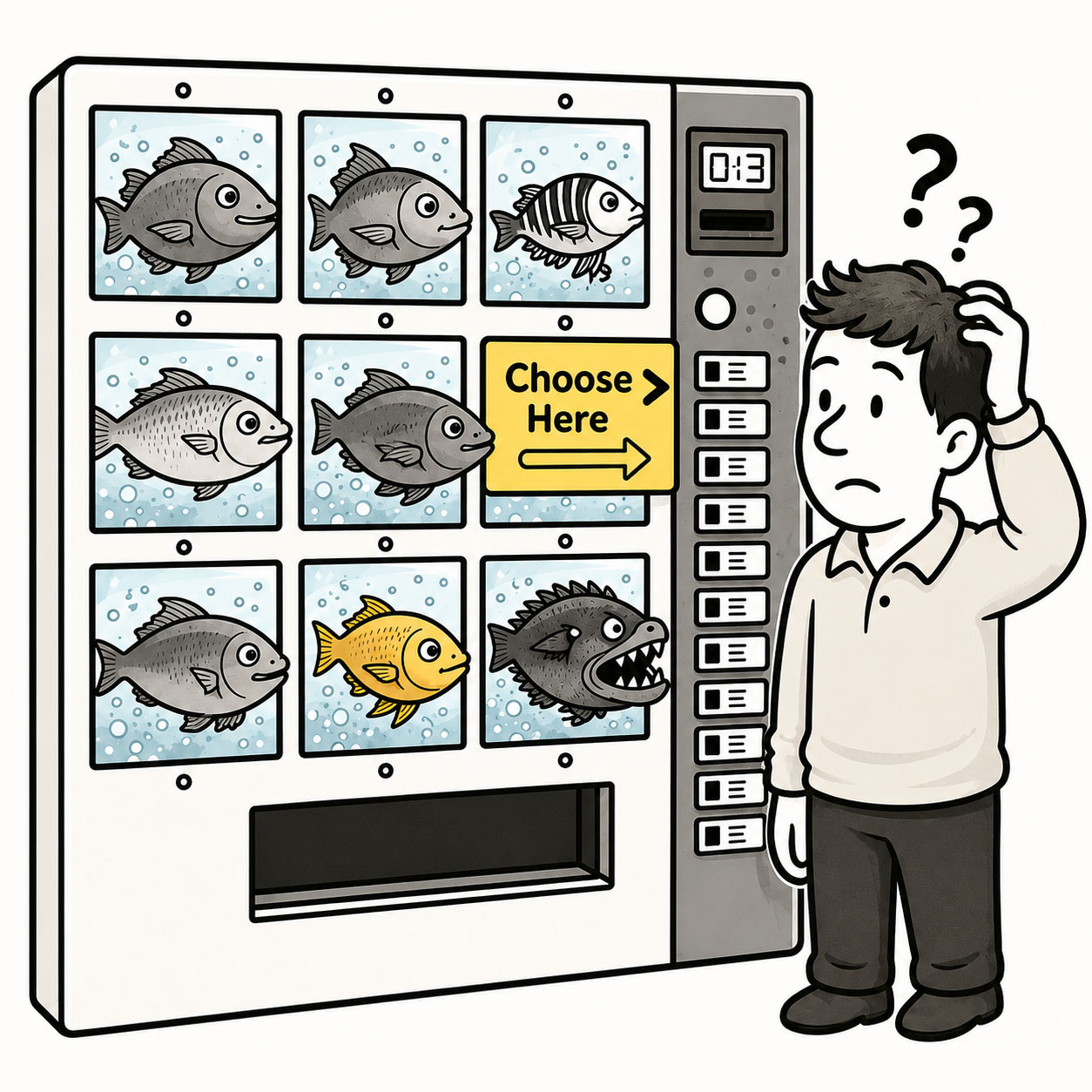
A Red Herring is a misleading or distracting element that pulls attention away from what actually matters.
In UX, it can be accidental such as a design element that looks like it does the thing but doesn’t, something that distracts users from their primary goal or leads them toward the wrong conclusion. But it can also be intentional, such as a deliberate distraction used to test attention or a research question to validate that users don’t rush through the study.
ORIGIN
Despite the name, a red herring isn’t a particular species of bright red fish. The phrase refers to heavily cured or smoked herring, which develops a reddish color and, more importantly for our story, a particularly strong smell.
There are several stories about how that smell became associated with creating a false trail, but the figurative expression is commonly connected to English journalist and political writer William Cobbett.
In 1807, Cobbett told a story about using a red herring to drag a scent across the trail of hunting dogs, causing them to follow the wrong path. He used the story as a metaphor for how the press could divert public attention away from what actually mattered.
Whether dragging fish around the countryside was ever a common hunting practice is another question. The metaphor proved considerably more durable than the technique.
Today, a Red Herring is anything that deliberately or accidentally directs attention toward the wrong conclusion. Mystery writers use them to fool readers. Researchers sometimes use them to test attentiveness.
WHEN
You’ve encountered a Red Herring when:
- Something looks clickable but isn’t
The user clicks it anyway. Then again. Optimism is admirable, isn’t it?
- A hyperlink label promises the wrong target
The user got attracted by the label and follows the link – just to get disappointed.
- Visual prominence doesn’t match importance
The loudest thing on the screen is somehow the least useful.
- Decoration competes with function
The interface has successfully attracted attention. Just not to anything that matters.
- An unnecessary step suggests false importance
Users assume something must matter because the product made them deal with it.
- Users repeatedly hesitate or backtrack
They’re following a clue, discovering it was wrong, and trying another path.
If users keep saying “Wait… what does this do?”, something may smell fishy.
WHY
Red Herrings appear when signals and intentions fall out of sync. Other reasons include the following:
- Visual hierarchy points the wrong way
Users naturally notice what receives the most visual emphasis.
- Affordances suggest the wrong behavior
Something looks like a button, link, control, or draggable object without behaving like one.
- Labels don’t match outcomes
Ambiguous or misleading labels create misleading expectations.
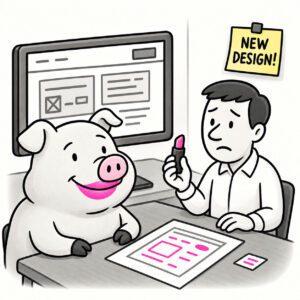
- Decoration becomes competition
Illustrations, animations, charts, colors, and promotional elements can become more noticeable than the task they were supposed to support.
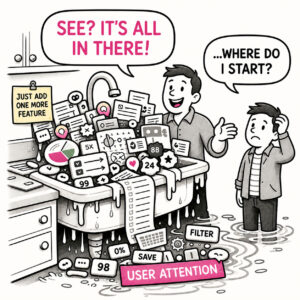
- Too many things demand attention
When everything competes, users have to guess which signals matter.
- Designers know what they meant
Once you know how an interface works, it’s remarkably difficult to see the false clues you’ve accidentally left behind.
HOW
In interfaces, Red Herrings should generally be removed or corrected. The goal is to make appearance, importance, language, and behavior tell the same story.
Apply the following principles:
- Follow the user’s first move
Watch what people notice, click, or interpret first. Their initial action often reveals what the interface is really communicating.
- Align emphasis with importance
The strongest visual signals should support the user’s primary goals.
- Make affordances honest
If something looks interactive, make it interactive. If it isn’t interactive, stop dressing it like a button.
- Match labels to outcomes
Users should be able to reasonably predict what will happen before they act.
- Remove competing distractions
Every element consuming attention should earn it.
In research, the rules are different. A deliberate Red Herring can occasionally be useful as an attention check, for example, an implausible answer among otherwise realistic options. But use these sparingly and combine them with other quality signals rather than treating one trick question as proof that a participant wasn’t paying attention.
PRO TIP
A good way to uncover Red Herrings is through observation. Look out for the first element that receives attention which often reveals what your design is unintentionally signaling. Consider elimination.
EXAMPLES
In UX (accidental):
- A card looks clickable but isn’t, causing users to repeatedly select it.
- A button labeled Continue unexpectedly submits the form.
- A colorful dashboard chart attracts attention while the critical alert beside it goes unnoticed.
- A map marker appears visually important but represents nothing users can interact with or act upon.
- A decorative heading resembles a navigation link because it uses the same visual treatment.
In Research (intentional):
- A survey includes a fictional brand among real brands to help identify inattentive responses.
- A research question includes an obviously unrelated option such as Dog, Cat, Mouse, Roof as an attention check.
CONCLUSION
A Red Herring is ultimately a misdirection of attention.
Sometimes that misdirection is deliberate, as in research or storytelling. More often in UX, it’s an accident: visual emphasis, language, hierarchy, and behavior aren’t pointing toward the same thing.
But in both cases, it reveals the same truth: Users follow signals, not intentions.
So pay attention to the trails your design leaves behind. Because if something smells important, users are probably going to follow it.